Display Exchange Rates
ℹ️ With the Exchange Rates post type, you can display updated exchange rates on PinToMind. It is well suited for businesses that work across borders, follow international markets or want to make developments in the currency market easily accessible.
Create Exchange Rates Post
- Go to "+ New Post" and select "Exchange Rates".
- First, select a main currency to compare the other currencies to.
-
Then add one or more currencies you want to display (up to 10 currencies).
For example, you can use GBP as your main currency and track its performance against EUR, USD, NOK and SEK.

-
Choose how to display exchange rates.
You can choose between three different display types: List, Graph and Card.
- List provides a simple and clear display of current exchange rates against the main currency. Suitable when you want to display several currencies at the same time.

-
Graph shows how a currency has developed over time. You can change the time period under ⚙️ Advanced. This makes it easy to get a quick picture of the development and see changes over a selected period.
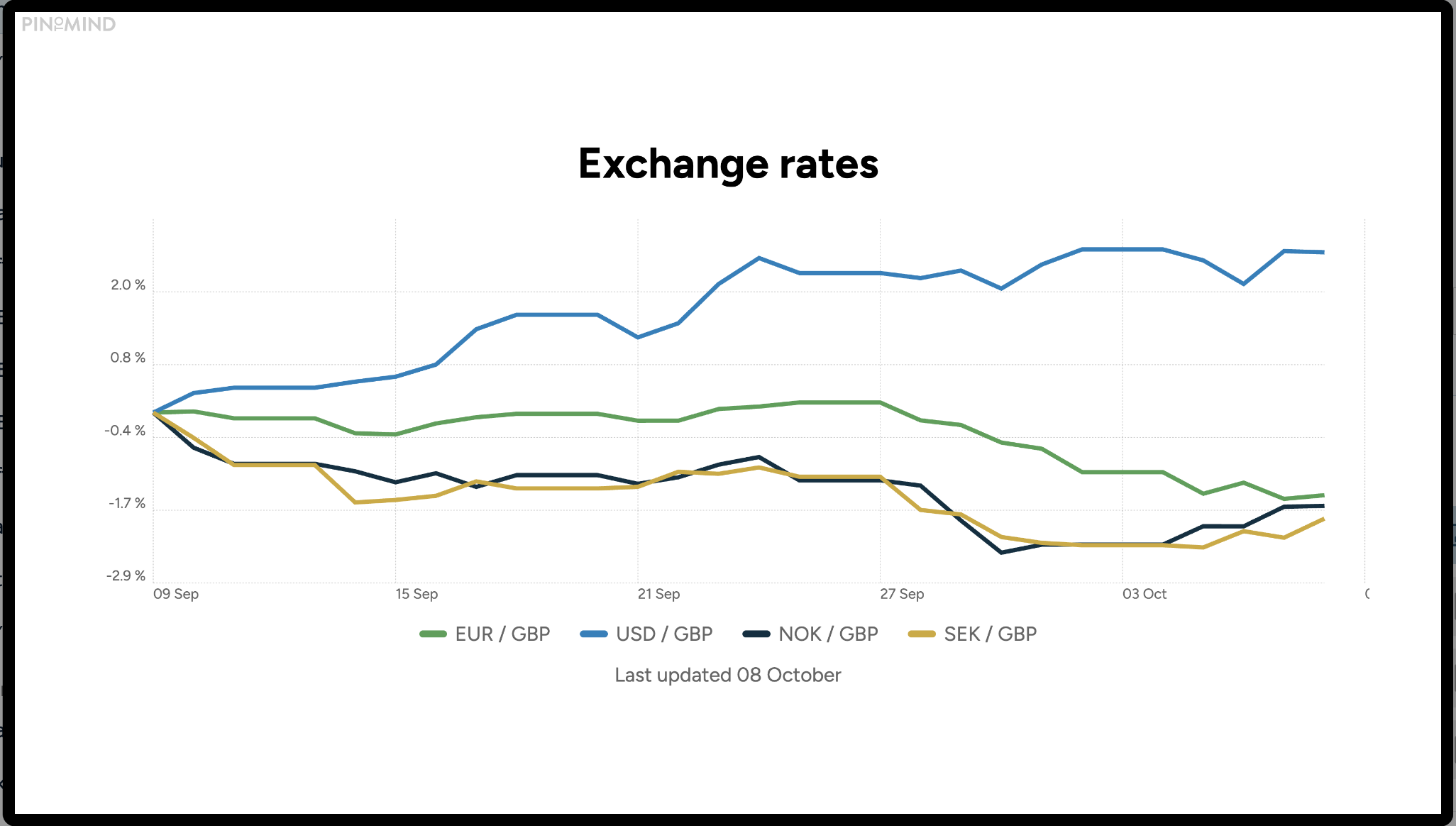
Graph display of Exchange rates
- Card combines the current exchange rate with a graph of the trend over the selected period.

- Select channel(s) you want the post displayed on.
- Set Duration and add Priority, select End Date and/or Scheduling.
- If you want to send a push-notification to those who subscribe to this content on their mobile devices, select push-notification.
- Preview the post in order to see what it will look like on your channel(s). Click outside the preview in order to return to the editing page.
- Save the post.
Questions? Contact us at support@pintomind.com!